and Chasing Jupiter from my Yard.
  Back to MrGibson HOME
| and Chasing Jupiter from my Yard. |
Back to MrGibson HOME |
1. Essential Gear Needed for Android Smartphone

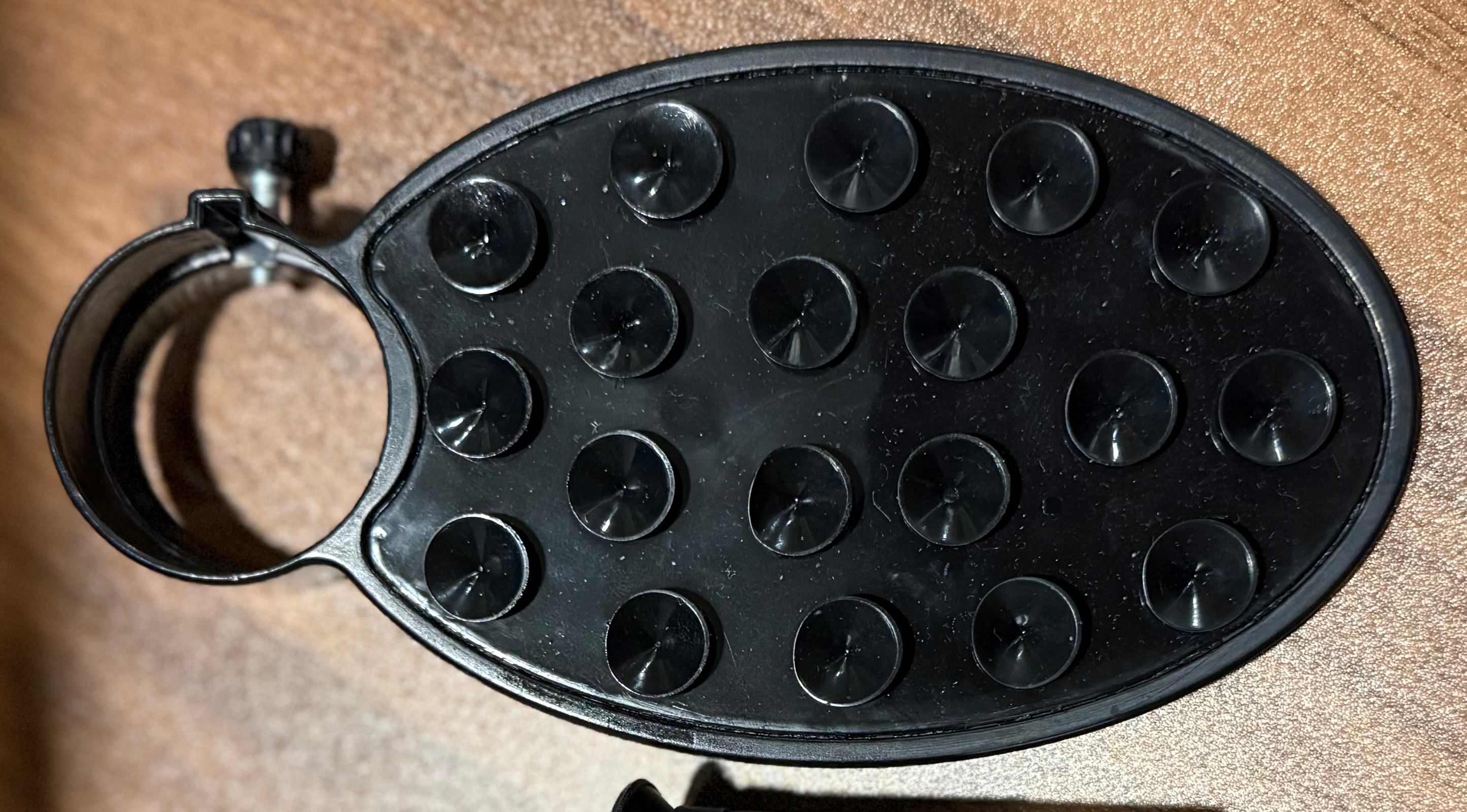
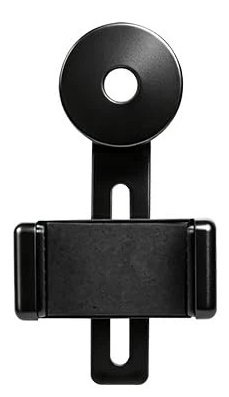
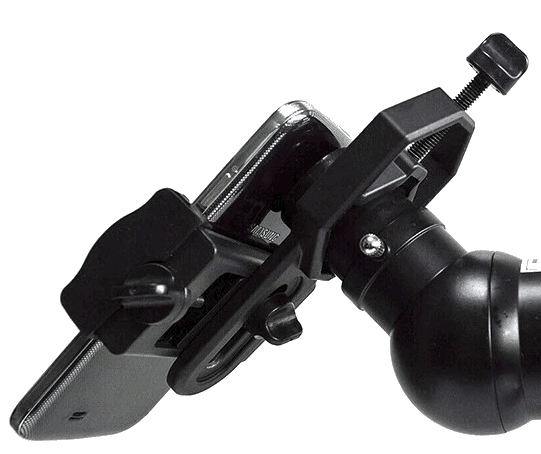
Phone Adapter:
Do not try to hold the phone by hand; this is very frustrating and trust me, you’ll get frustrated by shaky images and misalignment.

- Adapter: Freehanding a phone camera over an eyepiece is incredibly difficult due to micro-shakes.
  Use a dedicated adapter like:

  -- the Celestron NexYZ 3-Axis Smartphone Adapter which provides independent X, Y, and Z axis control to
     accurately align your camera with the optical path.

  -- the Visionking 2-Axis Smartphone Adapter.

  -- Or anthing that is strong, stable/steady, lightweight, and keeps your phones safe. Tray and eyepiece
     cover are not recomended.
 The Eyepiece / the Telescope:
- Telescope Eyepiece: A lower magnification eyepiece with a wider lens surface (like a 20mm - 25mm Plössl
or Keller) is much easier to align phone camera than a tight 4mm to 15mm eyepieces.
- Different telescopes have different purposes. Since you need a wide eyepiece with your phone camera, if you can, match up
the telescope's focal length to your needs. Long focal length for higher mangnifications.
Shorter focal lengths for deep sky, low magnification.
Use One Lens
2. Physical Setup & Lens Alignment
- Find Your Main Lens: Many Android devices have multiple cameras (Main, Wide, Telephoto).
Open your native camera app, block the lenses one by one with your finger, and note which lens is the
active "Main" sensor.
- Turn Off Auto-Lens Switching: Modern Androids dynamically switch camera lenses based on lighting.
Turn off features like "Auto Macro" or automatic lens switching in your settings to force the phone
to stay on the main lens.
- Clamp the Adapter: Clamp the adapter securely onto your eyepiece while the eyepiece is detached from
the telescope.
- Align the Camera: Slide your Android phone into the adapter. Turn on your camera app and use the
adjustment knobs to center the bright ring of light (the eyepiece's exit pupil) perfectly in the
middle of your screen.
- Insert and Focus: Slide the entire combined setup into the telescope's focuser drawtube.
Focus the telescope visually using the screen
3. Android Camera Settings for Astronomy
- Avoid shooting in basic Photo mode, as it will grossly overexpose bright targets like the Moon.
- Consider switching your native camera app to Pro Mode or use an advanced third-party app like
Open Camera or DeepSkyCamera Beta.
- ISO: Keep this as low as possible (ISO 50 to 200) for bright objects like the Moon or planets to reduce
grain and digital noise. Raise it (ISO 800 to 1600) only for faint nebulae or star clusters.
- Shutter Speed: For the Moon, use a fast shutter speed (around 1/150 to 1/250 of a second) to prevent
overexposure. For faint stars, increase the exposure time to several seconds.
- White Balance: Lock your white balance to Daylight or roughly 5500 Kelvin to prevent color shifting.
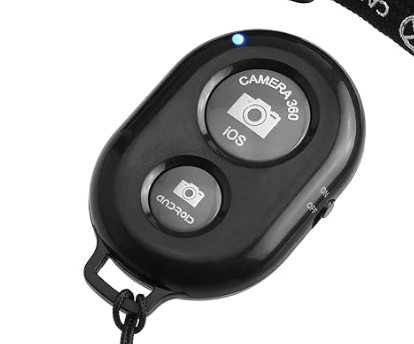
- Trigger Timer: Tapping the screen to take a photo causes a massive amount of telescope vibration.
Always set a 2-second or 5-second shutter delay timer so the telescope has time to settle completely
before the image fires.
The Eyepiece / the Telescope:
- Telescope Eyepiece: A lower magnification eyepiece with a wider lens surface (like a 20mm - 25mm Plössl
or Keller) is much easier to align phone camera than a tight 4mm to 15mm eyepieces.
- Different telescopes have different purposes. Since you need a wide eyepiece with your phone camera, if you can, match up
the telescope's focal length to your needs. Long focal length for higher mangnifications.
Shorter focal lengths for deep sky, low magnification.
Use One Lens
2. Physical Setup & Lens Alignment
- Find Your Main Lens: Many Android devices have multiple cameras (Main, Wide, Telephoto).
Open your native camera app, block the lenses one by one with your finger, and note which lens is the
active "Main" sensor.
- Turn Off Auto-Lens Switching: Modern Androids dynamically switch camera lenses based on lighting.
Turn off features like "Auto Macro" or automatic lens switching in your settings to force the phone
to stay on the main lens.
- Clamp the Adapter: Clamp the adapter securely onto your eyepiece while the eyepiece is detached from
the telescope.
- Align the Camera: Slide your Android phone into the adapter. Turn on your camera app and use the
adjustment knobs to center the bright ring of light (the eyepiece's exit pupil) perfectly in the
middle of your screen.
- Insert and Focus: Slide the entire combined setup into the telescope's focuser drawtube.
Focus the telescope visually using the screen
3. Android Camera Settings for Astronomy
- Avoid shooting in basic Photo mode, as it will grossly overexpose bright targets like the Moon.
- Consider switching your native camera app to Pro Mode or use an advanced third-party app like
Open Camera or DeepSkyCamera Beta.
- ISO: Keep this as low as possible (ISO 50 to 200) for bright objects like the Moon or planets to reduce
grain and digital noise. Raise it (ISO 800 to 1600) only for faint nebulae or star clusters.
- Shutter Speed: For the Moon, use a fast shutter speed (around 1/150 to 1/250 of a second) to prevent
overexposure. For faint stars, increase the exposure time to several seconds.
- White Balance: Lock your white balance to Daylight or roughly 5500 Kelvin to prevent color shifting.
- Trigger Timer: Tapping the screen to take a photo causes a massive amount of telescope vibration.
Always set a 2-second or 5-second shutter delay timer so the telescope has time to settle completely
before the image fires.
|
 (c) 2000-2026 by Michael Gibson. All graphics, code (php, html, css, javascript, ect.), content (unless source states other), and posts by Michael Gibson. Graphics, content and code created with GIMP, gedit, and usually vim. This page uses CSS that works on *ALL* browsers that are CSS compliant. Like FireFox, Chrome, Edge, and Safari. Moving code to PHP 8.x You are using Mozilla/5.0 AppleWebKit/537.36 (KHTML, like Gecko; compatible; ClaudeBot/1.0; +claudebot@anthropic.com) |